
17 Students, 1 Rubric, and a Microphone: A Better Way to Grade Low-Stakes Writing?
How small tech shifts helped me save time and give better feedback in a writing-to-learn assignment.

In my last post, I shared a short writing-to-learn assignment for my Principles class. If you are not familiar with writing-to-learn in economics education, here is a nice recent summary:
We consider WTL activities as low-stakes writing that students complete during the learning process, as opposed to high-stakes assignments used for summative assessments such as term papers. These low-stakes assignments place a higher emphasis on the learning potential of writing—as an instrument that facilitates learning and communication. (Ayadi and Onodipe 2023, 198)
In this post, I want to focus on results and grading. The median score was 6.3 out of 7.0, and two students did not submit a response (n = 17). I allowed students to revise and resubmit if they wanted to improve their score.
One of my goals was to use grading and feedback strategies designed to improve revision quality and reduce grading time. A workshop provided by Elon’s Center for the Advancement of Teaching and Learning was a very valuable introduction. After reflecting on what I learned, I took two incremental steps.
First, I used Moodle’s Rubric Advanced Grading Format, which lets you define criteria and attach structured feedback. I followed our writing center’s guidance on integrating AI into the writing process, which focuses on using tools like ChatGPT (a generative AI tool) to support, rather than replace, student thinking. Specifically, I asked ChatGPT to take on the role of a student and help refine my rubric. It reviewed tone, suggested improvements to the descriptions, and highlighted areas where feedback could be more reader-focused.
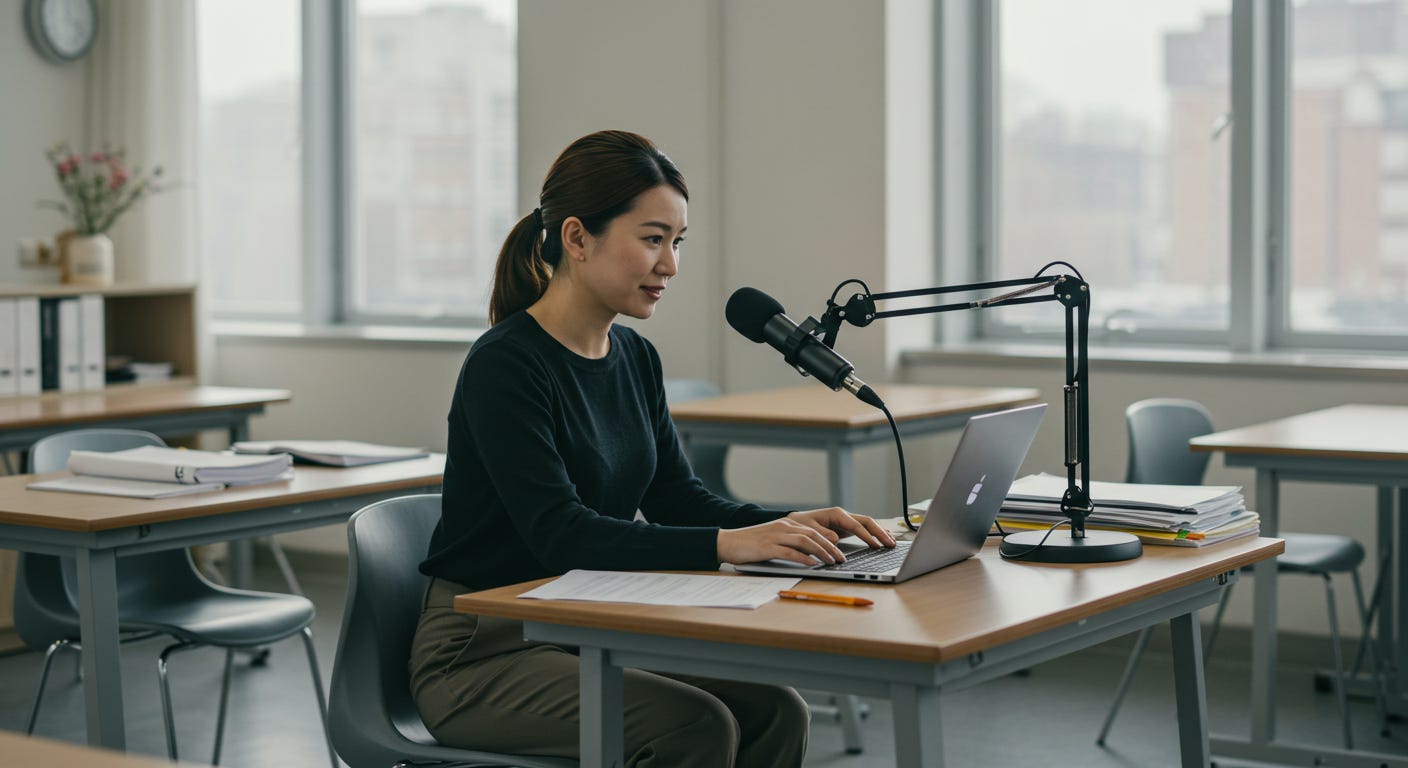
Second, I used a voice typing strategy I learned from a colleague discussion during a summer workshop. I use voice typing to record basic observations using a reader-focused strategies above. Instructors can easily add to the overall feedback text box.
Here is a (slightly modified) version of Microsoft’s instructions for voice typing:
To use voice typing, you'll need to be connected to the internet, have a working microphone, and have your cursor in an overall feedback box. Once you turn on voice typing, it will start listening automatically. Wait for the "Listening..." alert before you start speaking.
To turn on voice typing:
Press the Windows logo key + H on a hardware keyboard
Press the microphone key next to the Spacebar on the touch keyboard
To stop voice typing:
Say a voice typing command, such as "Stop listening."
Press the microphone button on the voice typing menu
Once I had a working but messy voice typing draft, I used AI-assisted writing tools (Grammarly and ChatGPT) to help me copy edit my voice-generated text before assigning the final grade according to the rubric and providing overall feedback.
In my experience, the combination of low-stakes writing-to-learn activities, a Moodle Advanced Grading Rubric, and a voice typing approach improved the quality of the activity while reducing the time it previously took to grade these activities. There are still some scaling issues to overcome (this class only had 17 students; in the fall, I have 33). But I am exploring ways to use Moodle’s Workshop Activity to integrate meaningful peer reviews into my grading practices for the assignment. My next post will outline how I plan to use the workshop to enhance my fall assignments.
References
Ayadi, M. F., & Onodipe, G. (2023). Writing-to-learn: Strategies to promote engagement, peer-to-peer learning, and active listening in economics courses. The Journal of Economic Education, 54(2), 198–204. https://doi.org/10.1080/00220485.2022.2160398
This is such a great use of AI, but I am a bit curious why you don't leave audio feedback directly? This may just be a limitation in Moodle, but I know Canvas allows me to leave audio feedback as a comment in addition to rubric markings.